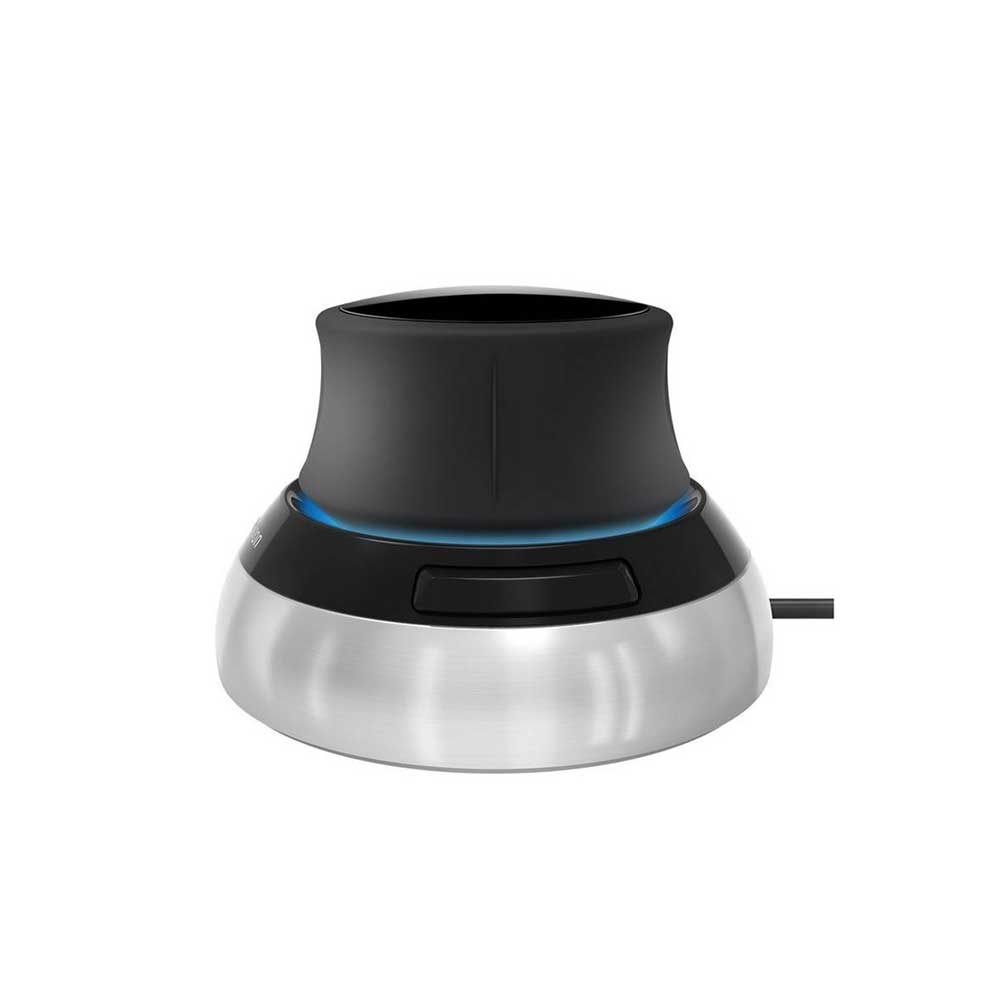
A 3D mouse moves the model, not the cursor: push, pull, twist and tilt the controller cap to pan, zoom and rotate your design in one motion, while your other hand stays on the keyboard or a standard mouse. The range carries the 3DConnexion SpaceMouse Compact, built for CAD, BIM and 3D design work.
Who is a 3D mouse for?
Anyone working in SolidWorks, Revit, Inventor, SketchUp, AutoCAD or other 3D applications. Navigation that takes two hands on a standard mouse, orbit plus pan plus zoom, becomes one fluid motion, which matters when you are checking a model hundreds of times a day.
Why the SpaceMouse Compact?
It is the entry point into 3DConnexion's range: six degrees of freedom on the controller cap, two programmable buttons, a small footprint that sits beside any keyboard, and support across the major CAD packages. Productivity class SpaceMouse models add more buttons and a larger cap when you outgrow it.
Does a 3D mouse replace a normal mouse?
No, it pairs with one. The 3D mouse navigates the model while the standard mouse selects and edits. Most CAD users run both side by side, keyboard in the centre, SpaceMouse under the left hand and mouse under the right.