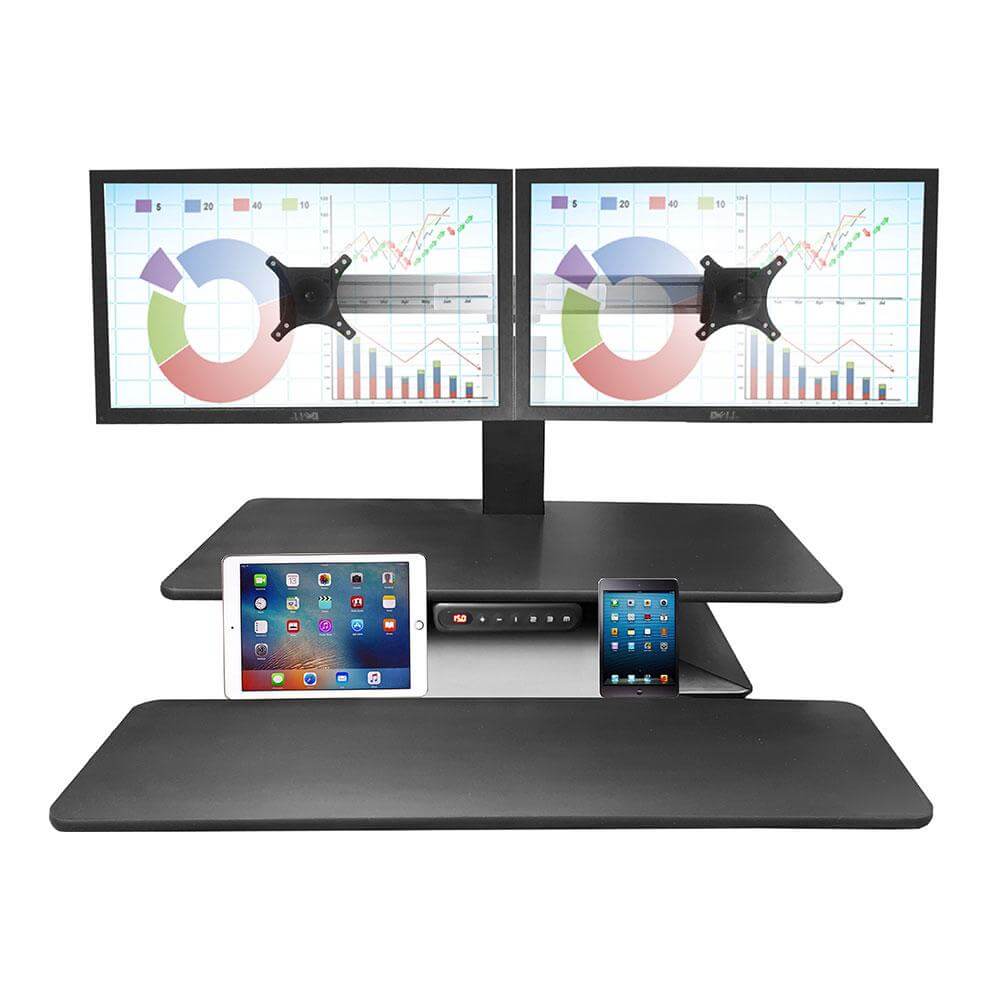
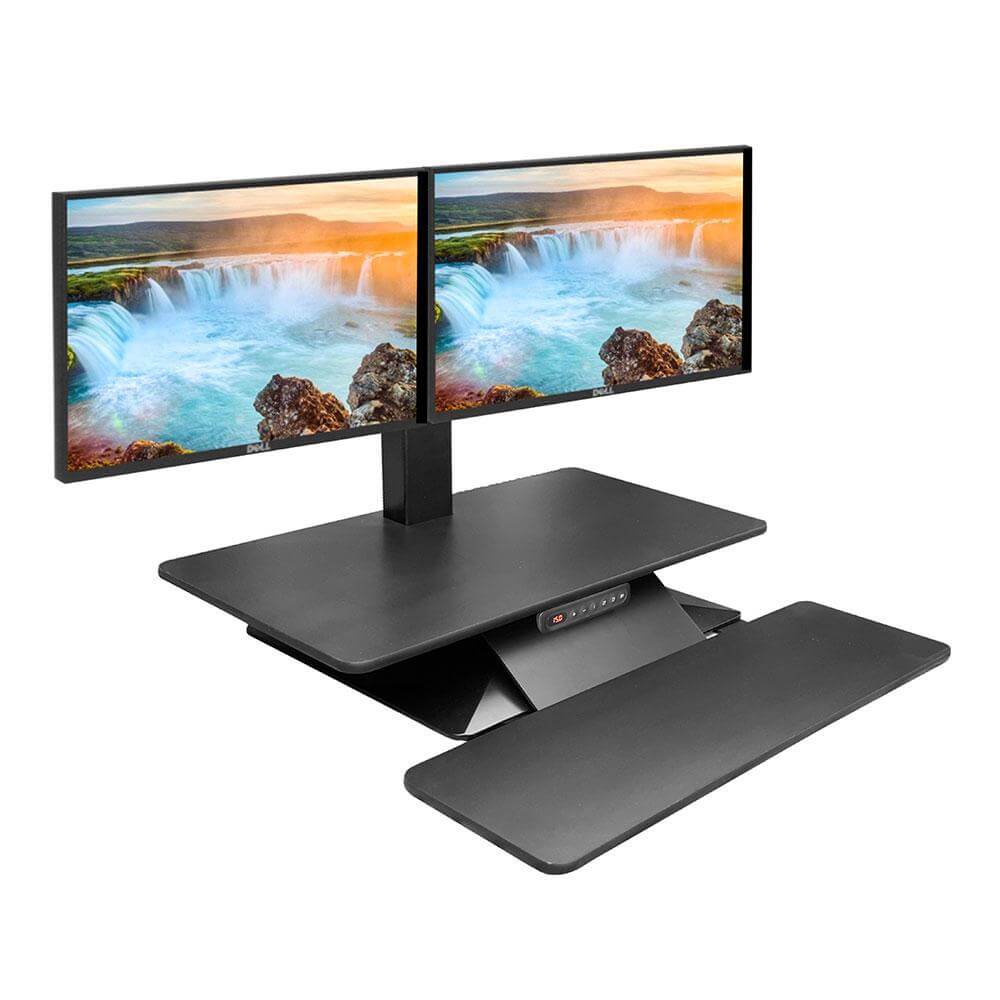
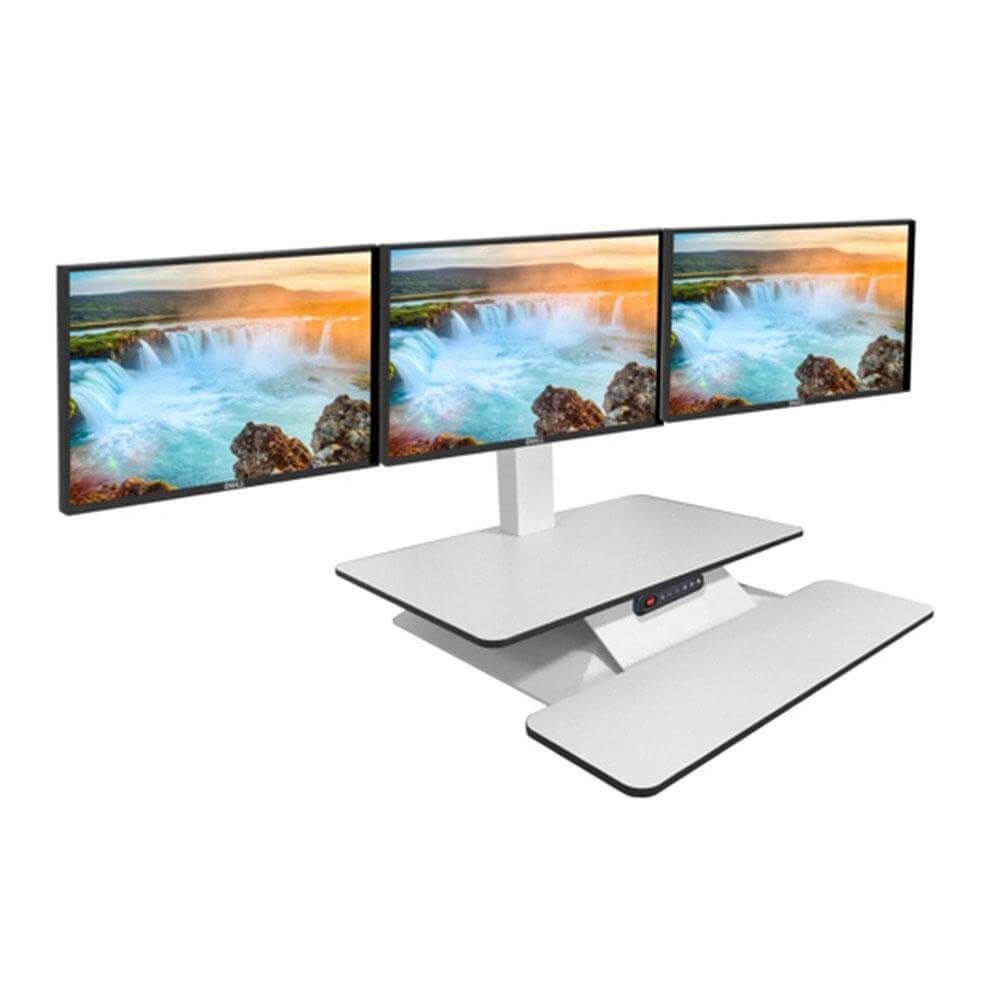
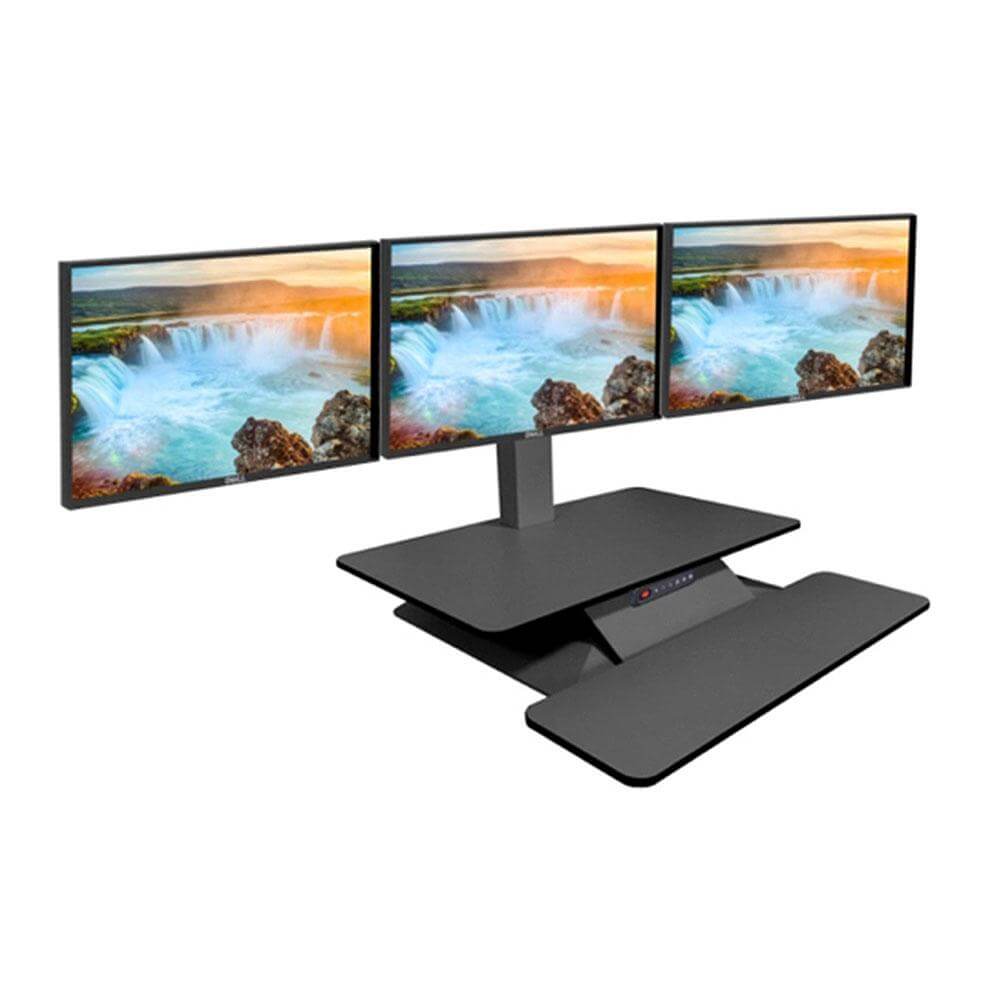
Sit Stand Desk Converters: Turn Any Desk Into a Sit Stand Desk
The on desk sit to stand desk options let you switch between sitting and standing without replacing your desk. They sit on your existing desk and come free standing or clamped, in manual squeeze-and-lift and electric models, including the Ergotron WorkFit, Humanscale QuickStand and the Mobel electric range.
A sit stand desk converter sits on top of your existing desk and raises your screen, keyboard and mouse to standing height, so you can alternate positions without replacing the desk. The range below covers manual and electric models from Ergotron, Humanscale and Mobel, with lift ranges from 100 mm to 540 mm and capacities up to 50 kg.
Convert Your Desk, Keep Your Desk
An on desk workstation keeps the desk you have and lets you change position whenever you like. Electric models move between your preset heights at the touch of a button; manual models lift with a squeeze or gas assist and need no power point.
Delivered Australia-Wide
Every sit to stand desk converter ships throughout Australia, so you can convert your setup wherever you work, with on desk models to suit every budget.
Converter or Full Desk?
If you're starting from scratch or want maximum stability at standing height, compare our full height adjustable desks range. We also stock on desk electric workstations, on desk manual workstations, rectangular sit to stand desks and desk risers to suit every setup.
Choosing a Sit Stand Desk Converter: What to Check Before You Buy
What weight capacity do I need?
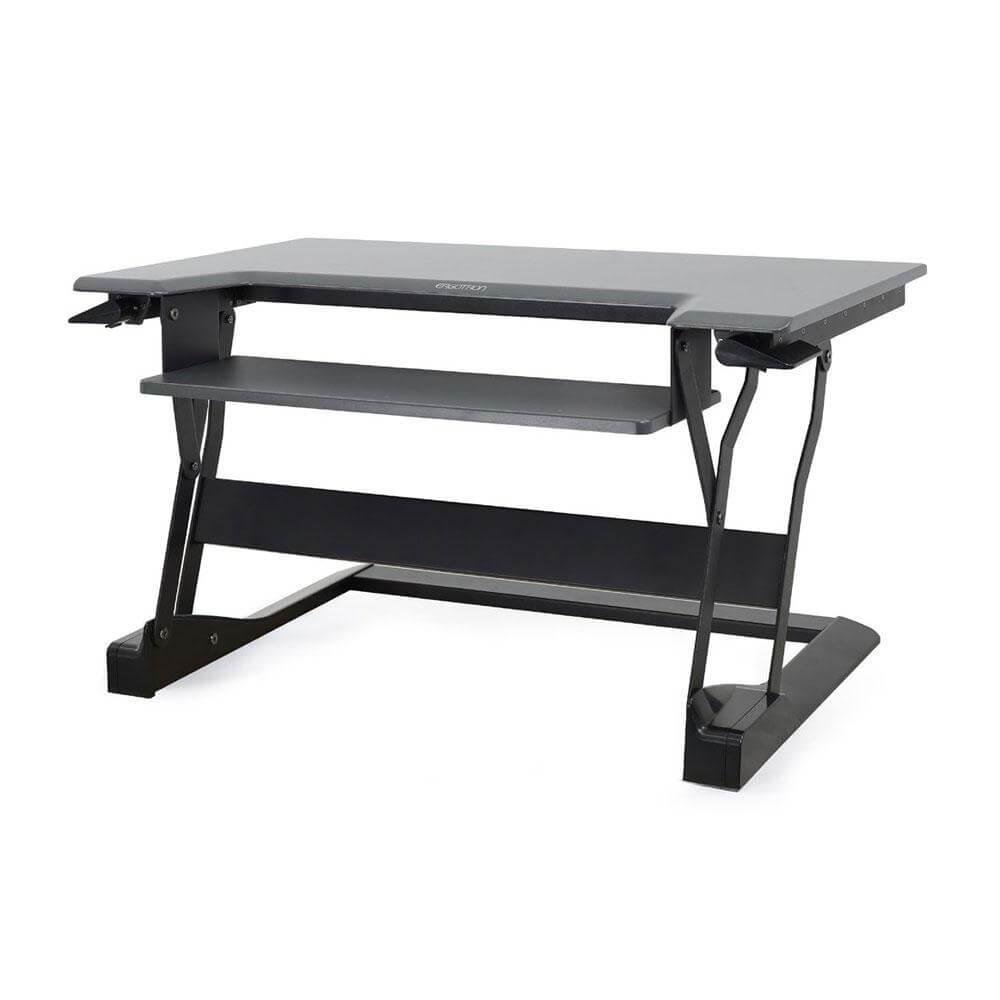
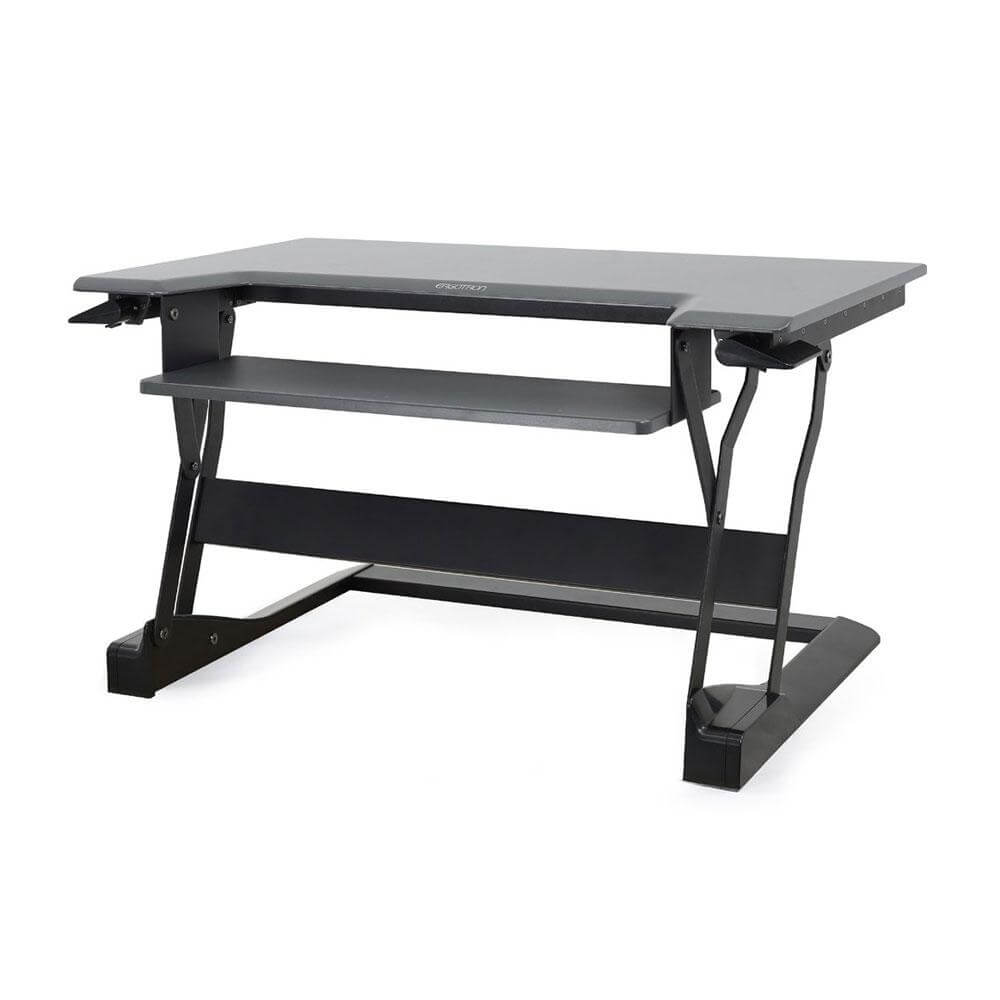
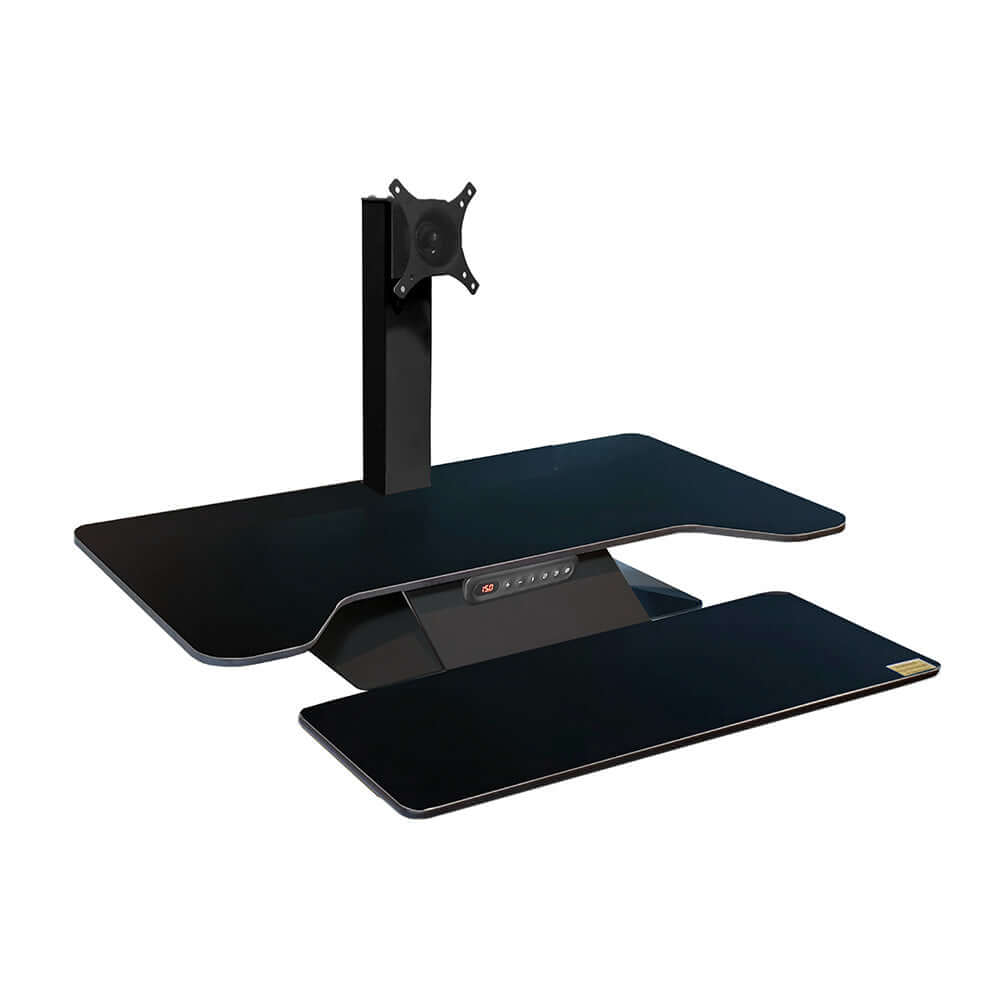
Converters carry your monitors, keyboard and laptop combined. Light on-desk models handle around 10 kg per screen position; heavier electric units like the Standesk Memory Electric take up to 50 kg, and the Ergotron WorkFit-TL holds 18 kg on a two-level platform. Add up everything you plan to put on the unit and leave headroom.
How high should a converter lift?
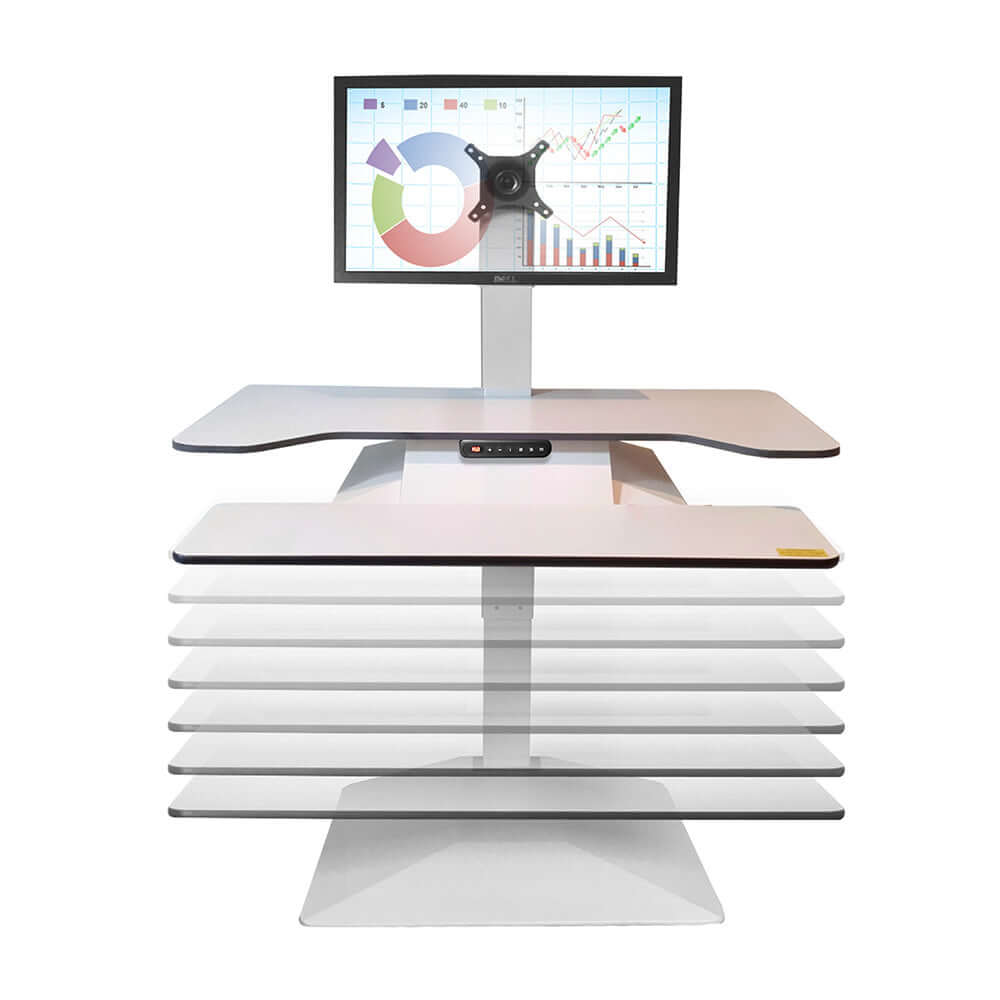
This decides how high the worksurface rises. The Standesk Memory Electric moves from 100 mm to 540 mm above desk height, tall enough for standing comfortably at most heights. Shorter ranges suit shared desks where users alternate but rarely stand fully upright.
Will it fit my desk?
Check the unit's base against your desk depth. The WorkFit-TL needs a desk 610 mm or deeper and stays within a 950 x 670 mm footprint, moving straight up without overhanging the desk edge.
Should I choose electric or manual?
Electric models offer memory presets and effortless movement between positions; manual squeeze-lift or gas-assist models need no power point and suit hot desks or power-poor spaces.
Do I need a keyboard platform?
A separate lower keyboard platform keeps the screen at eye level and the keyboard at elbow height. All models in this range include one.
Frequently Asked Questions
What is a sit-stand desk converter?
A sit-stand desk converter sits on your existing desk and lets you work sitting or standing without replacing the desk. These on-desk workstations are available as free-standing or clamped models.
What is the difference between a manual and electric sit-stand converter?
Manual models lift with a squeeze mechanism or gas assist and do not need a power point. Electric models move between preset heights at the touch of a button.
Do I need to replace my desk to use a sit-stand converter?
No. An on-desk converter is designed to sit on your existing desk. If you are choosing a complete desk instead, see the height adjustable desks range.
Do you deliver sit-stand desk converters Australia-wide?
Yes. These products are delivered throughout Australia.
Complete the setup with the wider range of ergonomic office accessories, from document holders to monitor stands.
Should I use a keyboard tray with a sit-stand desk?
A retractable underdesk keyboard tray lets you set the keyboard and mouse below the desktop, which suits users who find a single-level desk too high when seated.
Are footrests useful at a sit-stand desk?
Yes. A tilt and height adjustable footrest supports your legs when seated and encourages movement between sitting and standing.
Pair your desk with CPU holders that travel with the desktop, so the tower never stretches its cables.
An under desk cable tray keeps power boards and cable slack organised through the full height range.